Libreboot BIOS
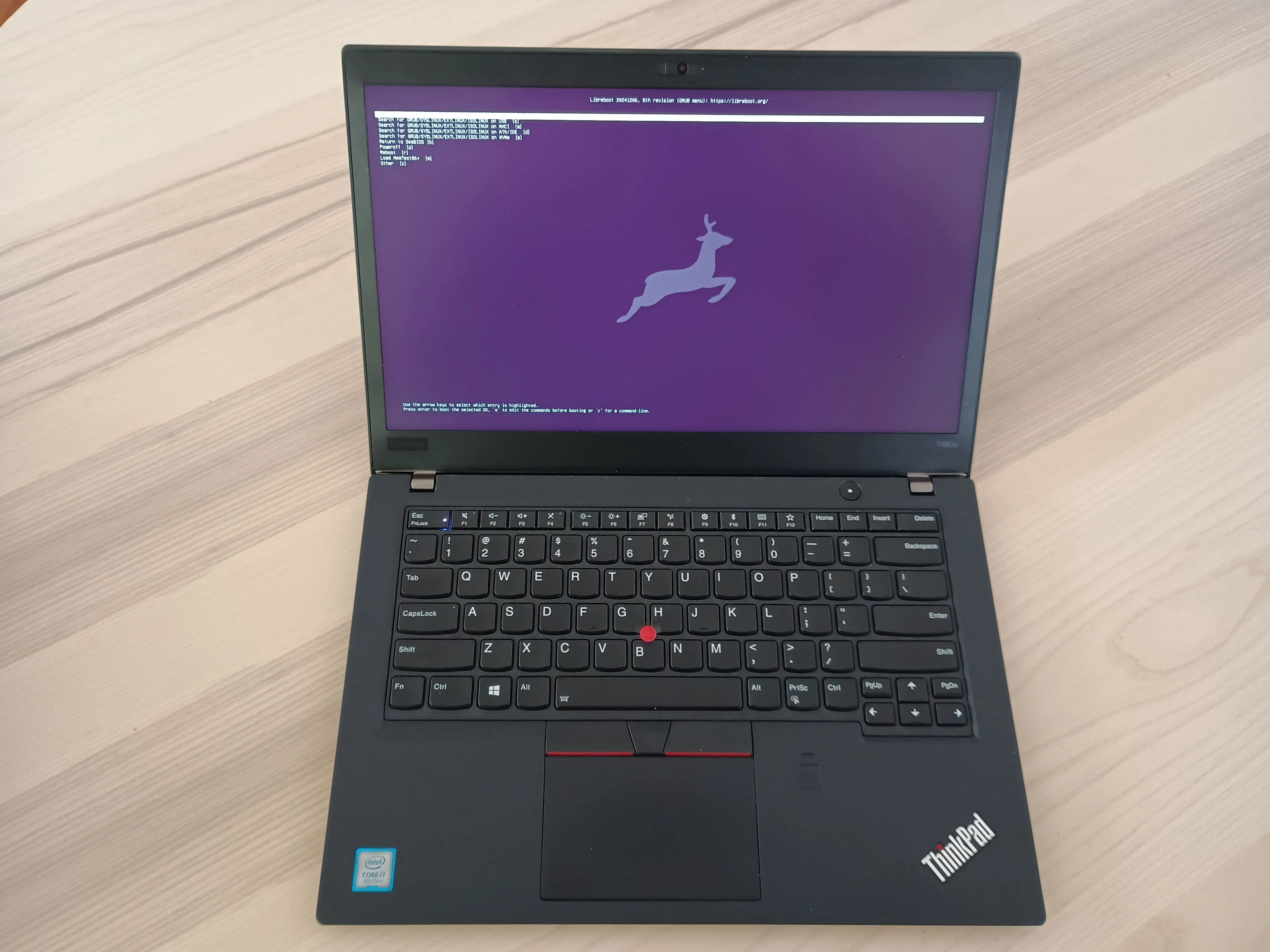
In this guide, you will:
- Set up external flashing hardware (Raspberry Pi Pico + SOIC8 clip)
- Build Libreboot from source
- Flash Libreboot to your laptop's BIOS chip
- Configure bootloader options
Time required: 3-5 hours
Difficulty: Advanced
Estimated cost: $15-30 (Raspberry Pi Pico + SOIC8 clip + jumper wires)
Prerequisites: Supported laptop (ThinkPad recommended), Raspberry Pi Pico, SOIC8 clip
This guide assumes you're building a Bitcoin Computer or Air-Gapped Computer. If you're not sure why open-source firmware matters, see those guides first.
Why Libreboot?
For a Bitcoin-focused laptop, security and privacy are paramount. Libreboot provides:
| Benefit | Description |
|---|---|
| No backdoors | Removes Intel ME/AMD PSP surveillance components |
| Auditable code | Fully open-source, no hidden proprietary code |
| Reduced attack surface | Minimal firmware footprint |
| Faster boot | Less bloat means quicker startup |
For Bitcoiners who value sovereignty, Libreboot ensures your laptop runs only transparent, user-controlled software.
What is Libreboot?
Libreboot is a free, open-source alternative to proprietary BIOS and UEFI firmware. It’s based on Coreboot and removes closed-source code like Intel Management Engine (ME) and AMD Platform Security Processor (PSP), which are potential security risks. Libreboot works on specific Intel, AMD, and ARM-based motherboards, commonly found in older laptops and desktops.
It initializes your hardware (CPU, RAM, storage, etc.) and loads your operating system. Linux and BSD are well-supported, and help is available on the #libreboot channel on Libera IRC.
How Libreboot Works
Libreboot includes multiple bootloader options:
- GRUB – A flexible GNU bootloader for Linux and BSD.
- SeaBIOS – A lightweight BIOS-compatible option for legacy software.
- U-Boot – A simple UEFI bootloader for ARM and some x86/x86_64 systems.
All these options come bundled, letting you choose the right one when you boot.
Related Guides
Libreboot is based on Coreboot but removes more proprietary blobs. If your hardware isn't supported by Libreboot, check out our Coreboot Guide for an alternative that supports more devices.
Once you have Libreboot installed, use your laptop as a:
- Bitcoin Computer – For secure transaction creation and broadcasting
- Air-Gapped Computer – For offline seed generation and signing