Coreboot BIOS
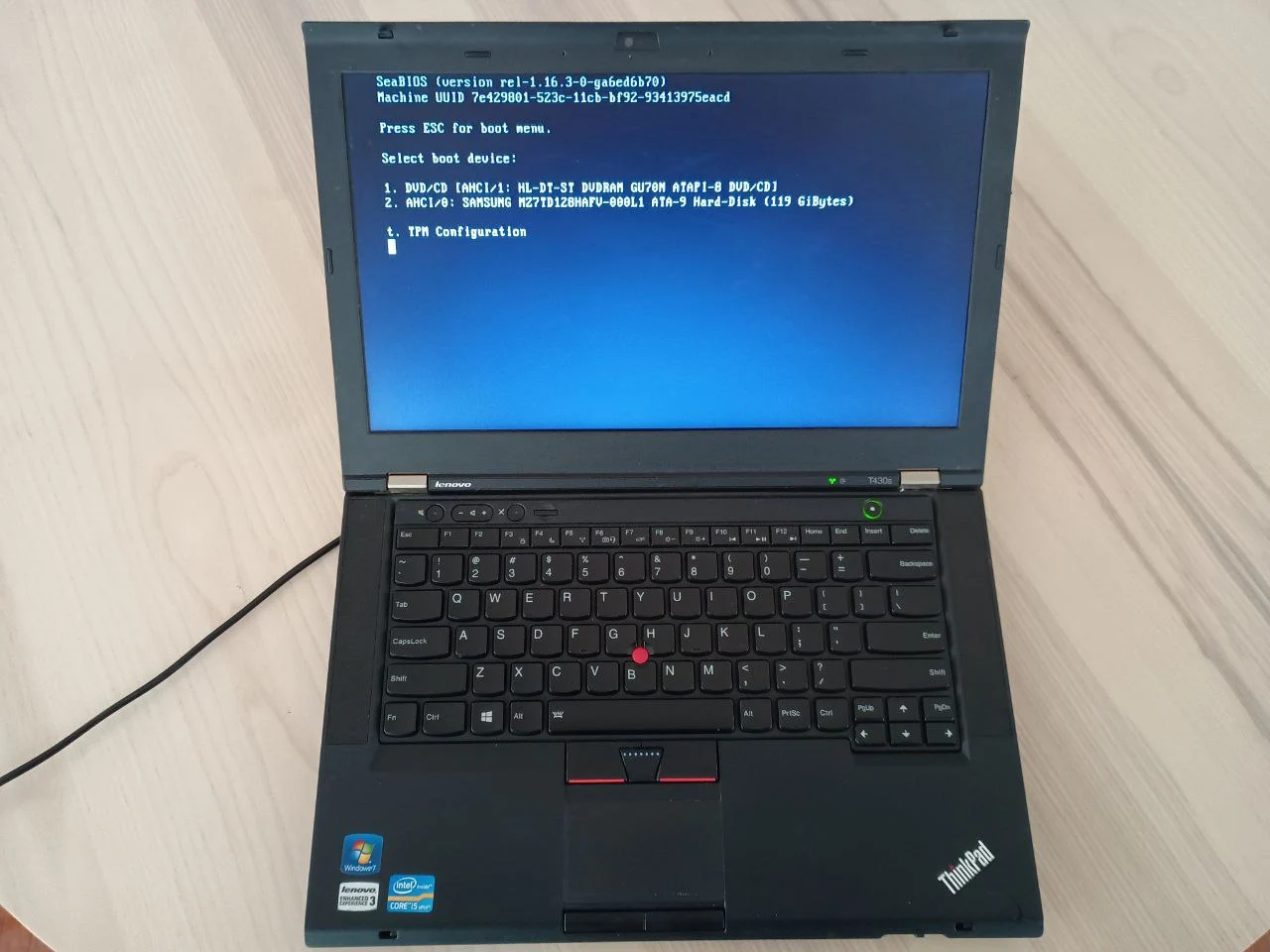
In this guide, you will:
- Choose between internal and external flashing methods
- Build Coreboot from source for your laptop
- Flash Coreboot to replace your stock BIOS
- Configure your bootloader payload
Time required: 2-4 hours
Difficulty: Advanced
Estimated cost: $0 (internal flash) or $15-30 (external flash hardware)
Prerequisites: Supported laptop, Linux system for building
This guide assumes you're building a Bitcoin Computer or Air-Gapped Computer. If you're not sure why open-source firmware matters, see those guides first.
Why Coreboot?
Most computers use proprietary BIOS/UEFI firmware that is closed-source and potentially insecure. Coreboot is a fast, minimal, open-source alternative.
| Benefit | Description |
|---|---|
| Open source | Fully auditable boot process |
| Minimal | Does only what's necessary |
| Fast | Quicker boot times |
| Wide support | More hardware than Libreboot |
For Bitcoiners running nodes or signing transactions, Coreboot ensures your machine starts with clean, transparent code.
What is Coreboot?
Coreboot is a free and open-source replacement for traditional BIOS/UEFI. It initializes your hardware just enough to launch a "payload", like GRUB, SeaBIOS, or a Linux kernel. It’s lightweight, secure, and designed to do only what’s necessary, nothing more.
How Coreboot Works
Coreboot runs in stages. It begins with a tiny bootblock, followed by romstage (which sets up memory), then ramstage (which initializes the rest of the hardware). Finally, it launches the chosen payload. This structure makes the boot process faster, simpler, and easier to audit, perfect for anyone who values system integrity.
Related Guides
For even more freedom, check out Libreboot – a Coreboot distribution that removes additional proprietary blobs like Intel ME. It supports fewer devices but offers maximum openness.
Once you have Coreboot installed, use your laptop as a:
- Bitcoin Computer – For secure transaction creation and broadcasting
- Air-Gapped Computer – For offline seed generation and signing