Installing the Horse Extension (Chromium Browser Only)
This works only with Chromium Browser
Clone the repository:
Open a terminal and run:
git clone https://github.com/lnbits/horse.git
Navigate to the project folder:
cd horse
Install dependencies
Run the following command (the --force flag is required to ensure successful installation):
npm install --force
Build the extension:
npm run build
Load the extension in your browser
- Open Chromium.
- Type
chrome://extensions/in the address bar and press Enter. - Enable
Developer mode(toggle in the top right corner). - Click
Load unpacked(top left). - Select the
horse/extensionfolder.
Once installed, the Horse extension should appear among your extensions.
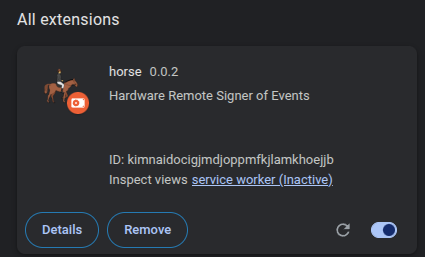
You're now ready to securely sign offline transactions with your NSD and dive into the world of Nostr!